Introduction
I used to believe a lie: “I’m not getting projects because I don’t have enough reviews.”
It was easier to blame the platform than to admit the brutal truth—my proposal writing was terrible. I was relying on generic, pre-made templates because I lacked confidence, and clients could smell the “copy-paste” from a mile away. The result? I was winning maybe one project for every 50 bids on Freelancer.com.
Even as my profile grew, the win rate didn’t improve. That’s when I realized the problem wasn’t my profile; it was my bid content. Clients were mentally marking me as “spam” instantly.
The Failed Experiment
I decided to ditch the templates and switch to the new trend: AI. I thought using a popular LLM (Large Language Model) would instantly solve my writing block.
I was wrong. The switch was horrible.
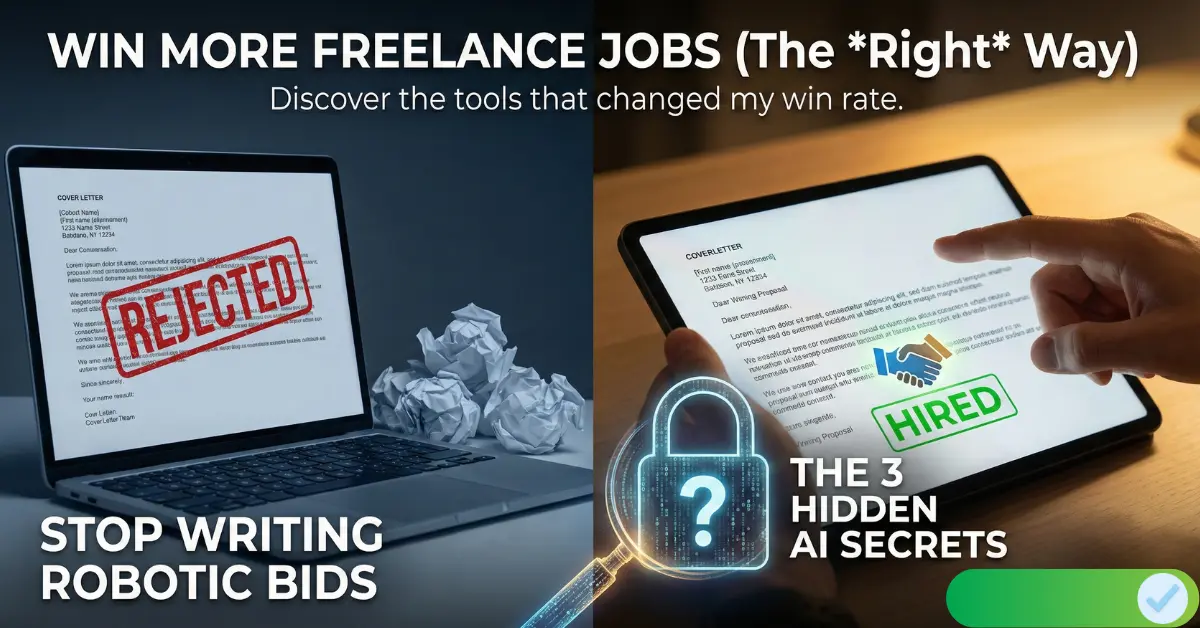
Instead of improving, my success rate actually dropped to one project per 75 bids. I couldn’t understand why generating a “unique” bid every time was performing worse than my old templates. After analyzing my rejected proposals, I found two critical mistakes:
- The “Robotic” Tone: The AI sounded unnatural. Instead of getting straight to the point, it would start with fluff like “Hey, hope you’re doing well,” or use overly complex words. Clients hate this.
- The “First Paragraph” Issue: The AI wasted the most valuable real estate—the first two lines—on introductions. Clients don’t want an intro; they want to know how you will solve their problem immediately.
The “Aha!” Moment
I almost went back to my old manual templates. But then I tried a different approach.
Instead of asking the AI to “write a proposal,” I started feeding it my context first. I gave it my portfolio details, my past projects, and my specific skills before asking it to write.
Guess what? It worked.
The output became personalized, sharp, and relevant. I started winning jobs again. But a new problem arose: it was exhausting to copy-paste my entire background into ChatGPT every single time I wanted to apply for a job. The limited context window meant I was constantly repeating myself.
Building the Solution
I thought, “How cool would it be if a tool could remember my details once, and then use a browser extension to generate perfect, personalized proposals directly on the freelancing platform?”
That frustration is exactly why we built CoverLetter4U.
But we aren’t the only ones trying to solve this. I’ve tested the market, and there are a few tools that genuinely help freelancers overcome the “blank page” problem. Below are the 3 Best AI Tools to Optimize Freelance Bids & Win More Jobs (that I personally feel are actually good).
1. CoverLetter4U
I built CoverLetter4U to solve the specific “context” problem I faced as a freelancer. Most AI tools forget who you are the moment you close the tab, but CoverLetter4U is designed to remember.
How It Works: During signup, the tool captures your professional details—your skills, past projects, and portfolio. Once that’s saved, you simply install the Chrome Extension, log in to your freelancing platform, and click “Generate.” The AI combines the job description with your saved profile to create a hyper-personalized bid in seconds.
Why It Stands Out:
- Full Control: You can edit the bid before sending it, ensuring it sounds exactly like you.
- More Than Just Bids: It includes tools for Profile Optimization (to fix those “low review” issues) and a Project Plan Generator to impress clients during interviews.
- Risk-Free Trial: We offer free credits to new users so you can write winning proposals without entering any credit card details.
2. ProposalGenie
If you prefer working directly from your resume, ProposalGenie is a strong contender. It focuses heavily on using your existing documents to craft bids.
How It Works: Instead of a manual profile setup, ProposalGenie allows you to upload your CV or paste a manual description of your skills. It analyzes this document against the job you are applying for to generate a relevant proposal.
Why It Stands Out:
- Generous Free Tier: They offer 20 free credits to new users, which is plenty of room to test if their style works for you before subscribing.
- Browser Integration: Like CoverLetter4U, they offer a Chrome extension that streamlines the writing process directly in your browser.
3. Pouncer AI
If you exclusively use Upwork, Pouncer AI is a specialized tool worth looking at. It is designed to integrate deeply with the Upwork ecosystem.
How It Works: Pouncer AI focuses on speed. It aims for “one-click” generations that populate the Upwork proposal fields automatically. It analyzes the specific listing to ensure the cover letter doesn’t feel like a generic template.
Why It Stands Out:
- Platform Specific: It is highly optimized for Upwork’s specific interface and requirements.
- End-to-End Automation: The extension handles the heavy lifting, making it a good choice for freelancers who apply to a high volume of jobs on Upwork daily.

These are the best tools I’ve found to Optimize Freelance Bids & Win More Jobs. Whether you need the deep context memory of CoverLetter4U, the resume-based approach of ProposalGenie, or the Upwork focus of Pouncer AI, switching to an AI workflow is the single best change you can make to stop losing projects and start getting hired.
Conclusion
Freelancing is tough, especially when you know you have the skills but your proposals are getting ignored. I spent months frustrated, watching my win rate drop to 1 in 75 bids, simply because I was using the wrong approach.
Don’t make the same mistake I did. Whether you choose CoverLetter4U to manage your entire profile or another tool on this list, switching to an AI-assisted workflow is the fastest way to stop writing proposals manually and start winning clients.
Ready to turn your luck around? I’d love to hear which tool you decide to try. If you have any questions about how to set up your profile or optimize your bids further, drop a question in the comments below—I read every single one.
👉 Want to see how Moltbot—one of the newest AI tools—can make freelancing easier? Click here to read my full breakdown.
FAQ
Q: Can AI tools really help freelancers win jobs?
A: Yes — if used correctly. They save time and improve clarity, but context and customization still matter.
Q: Which tool is best for beginners?
A: CoverLetter4U is beginner-friendly and built for freelancers with no reviews or past clients.